Description
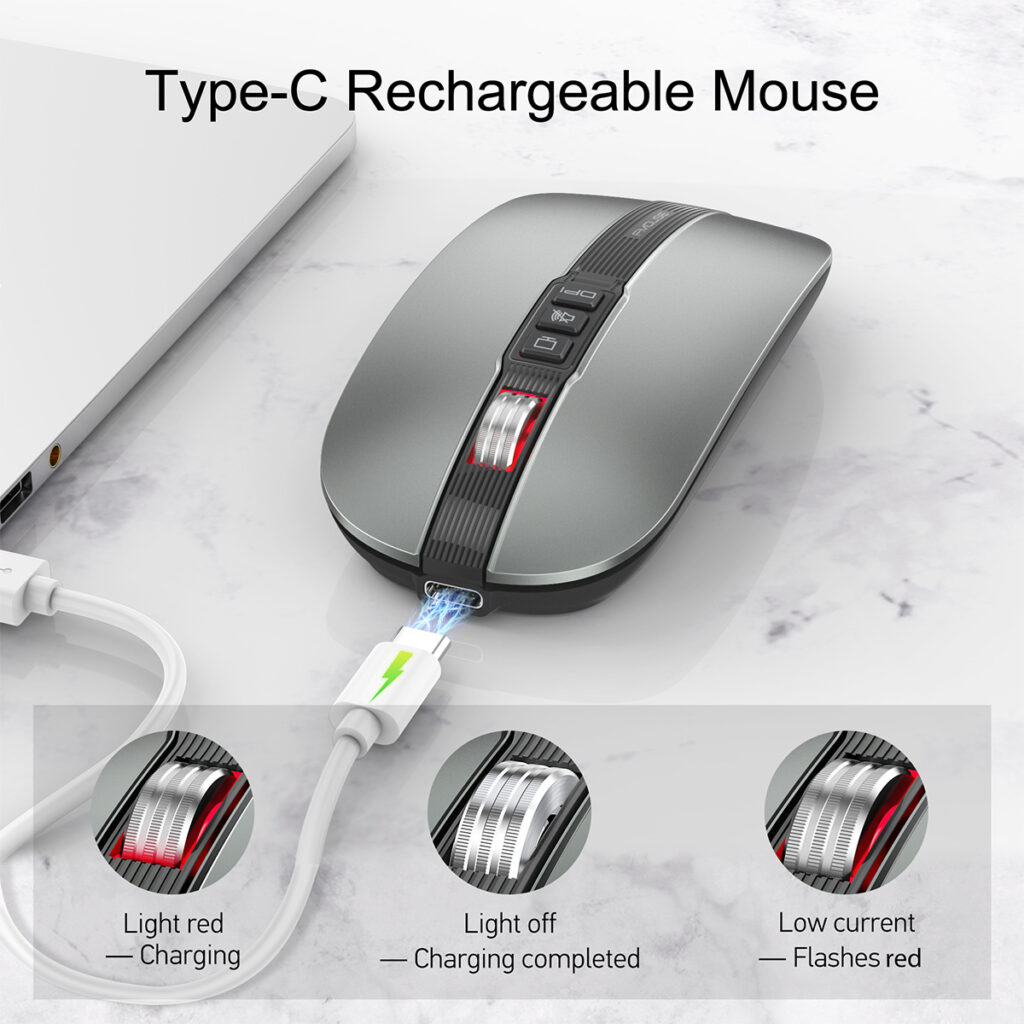
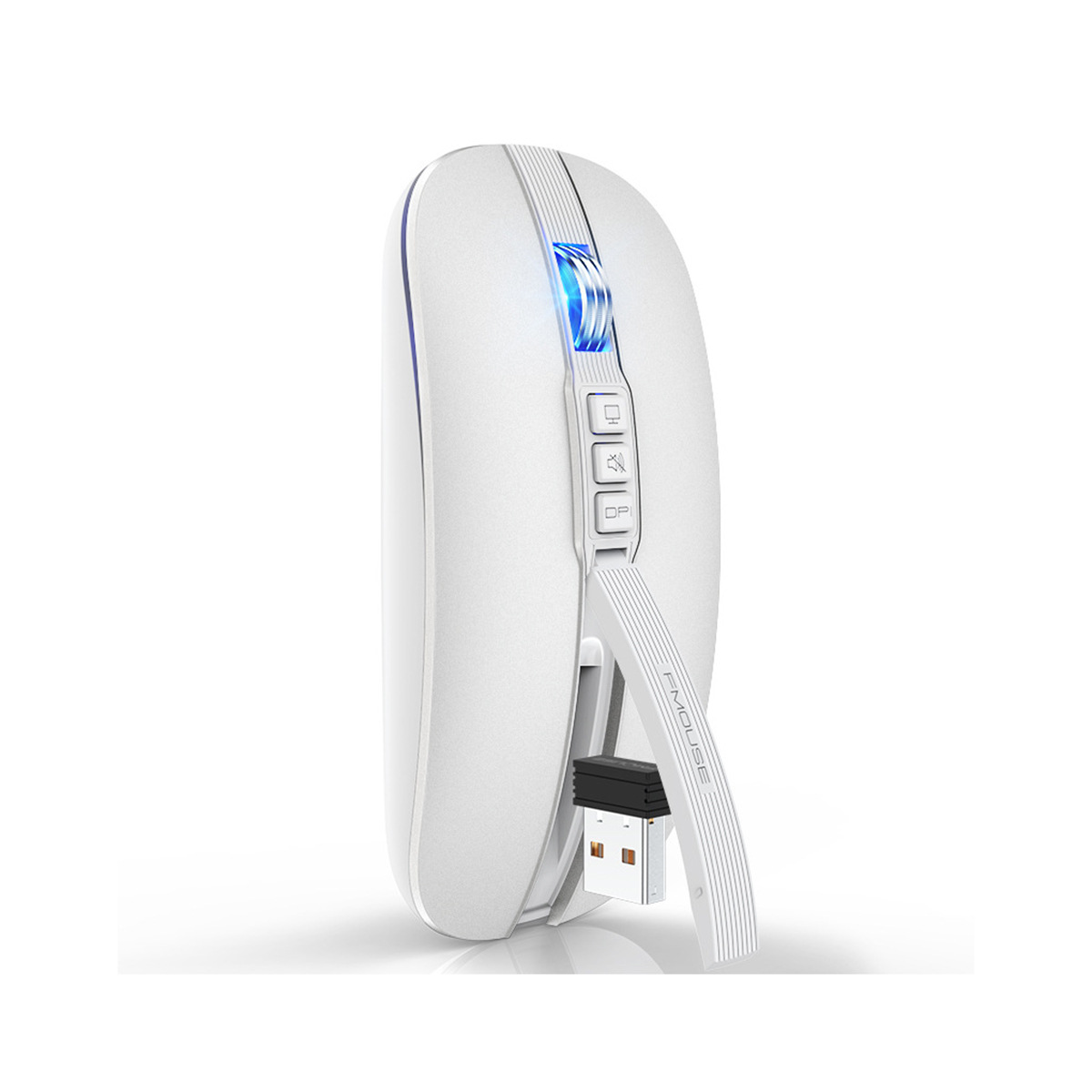
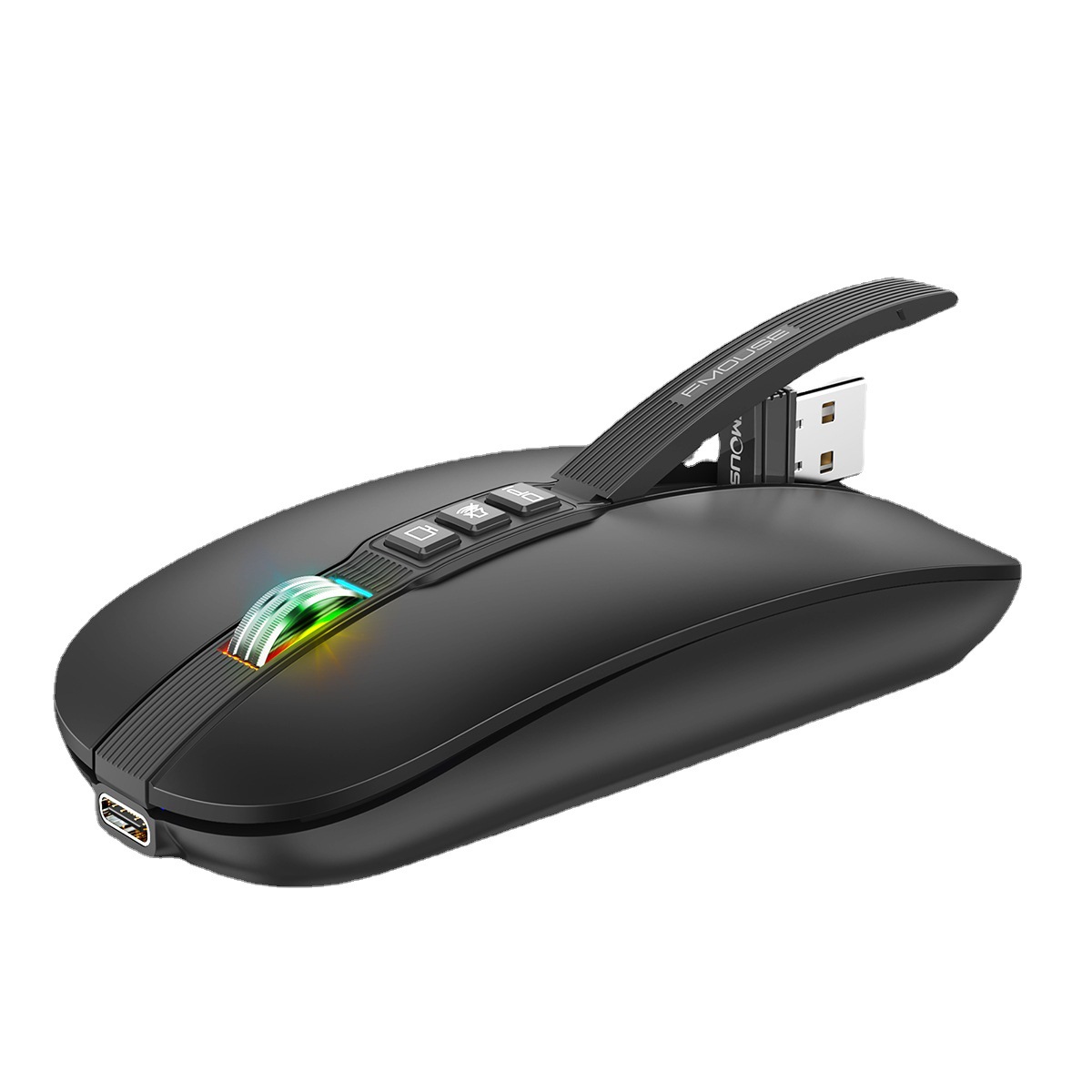
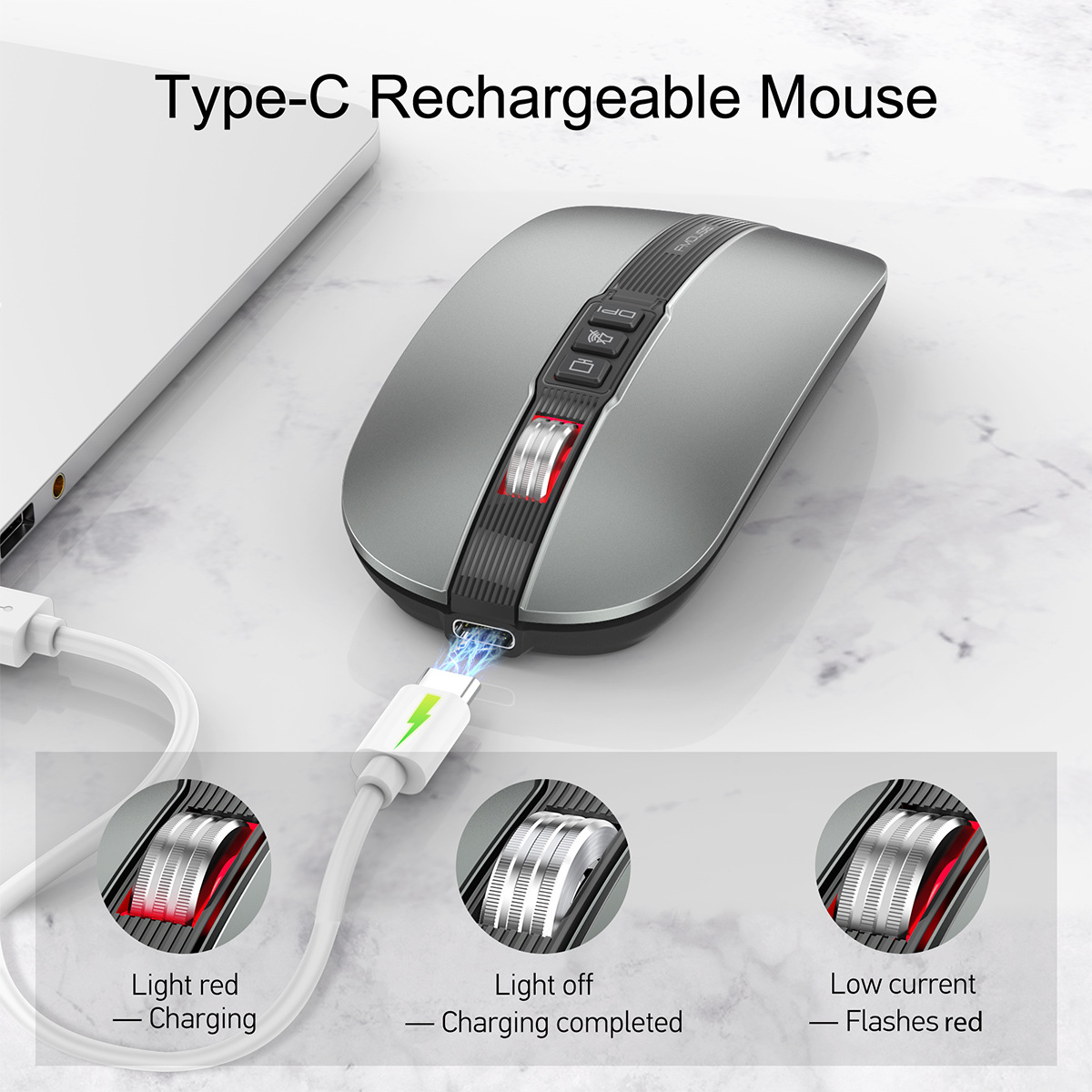
Type-C Rechargeable Mouse
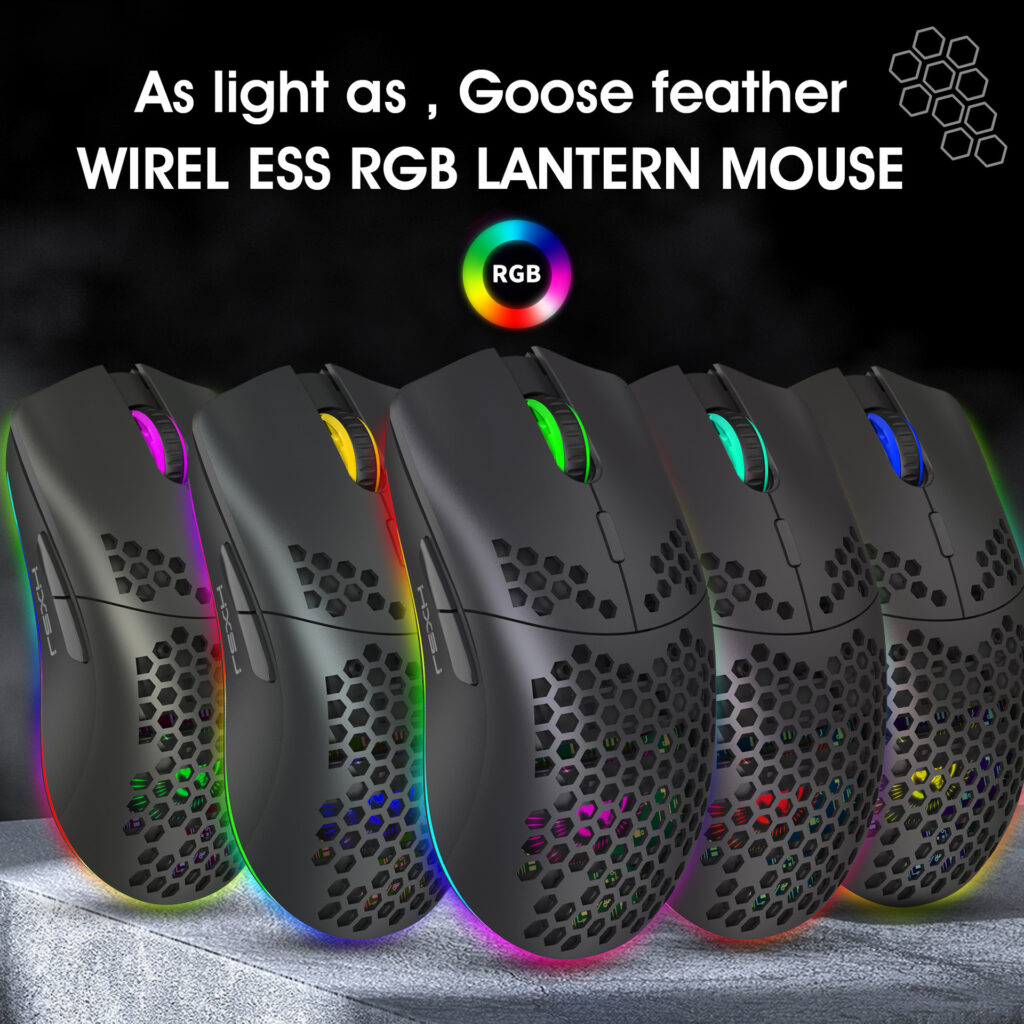
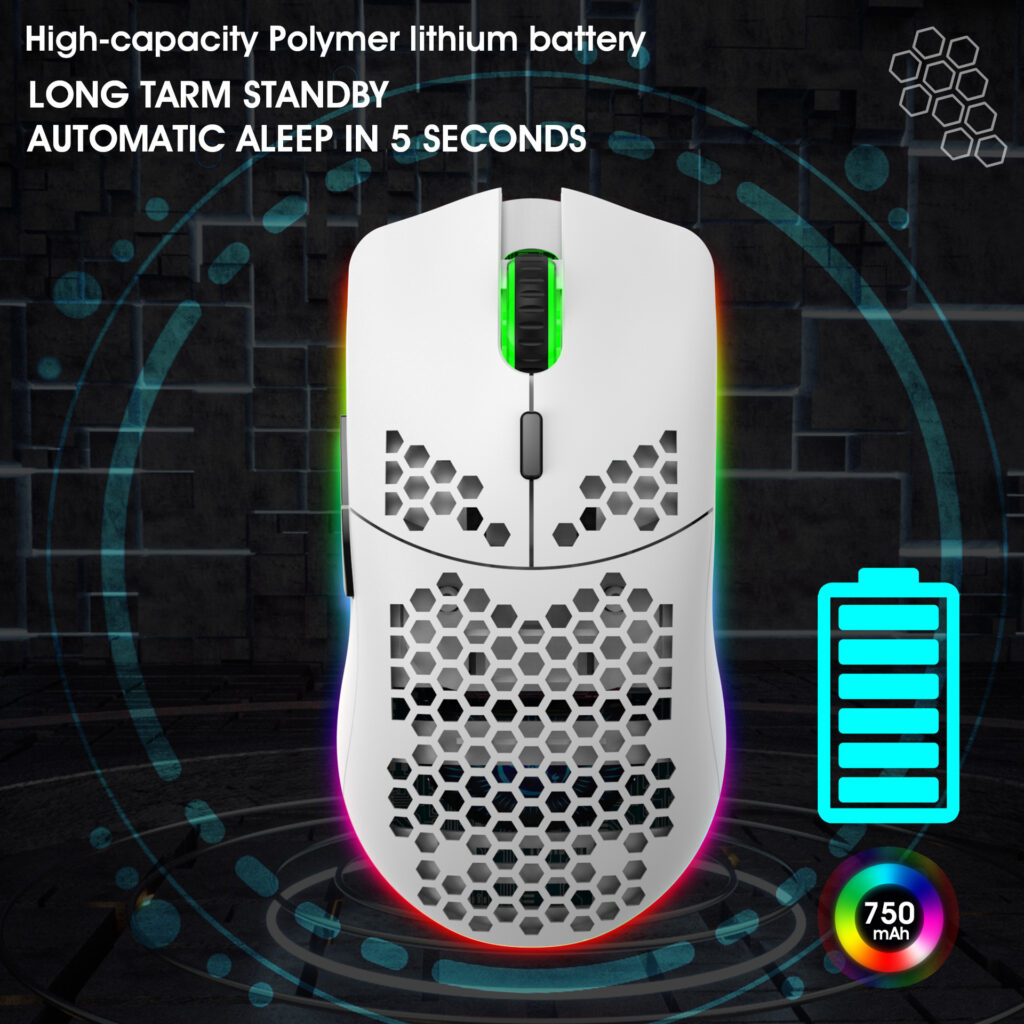
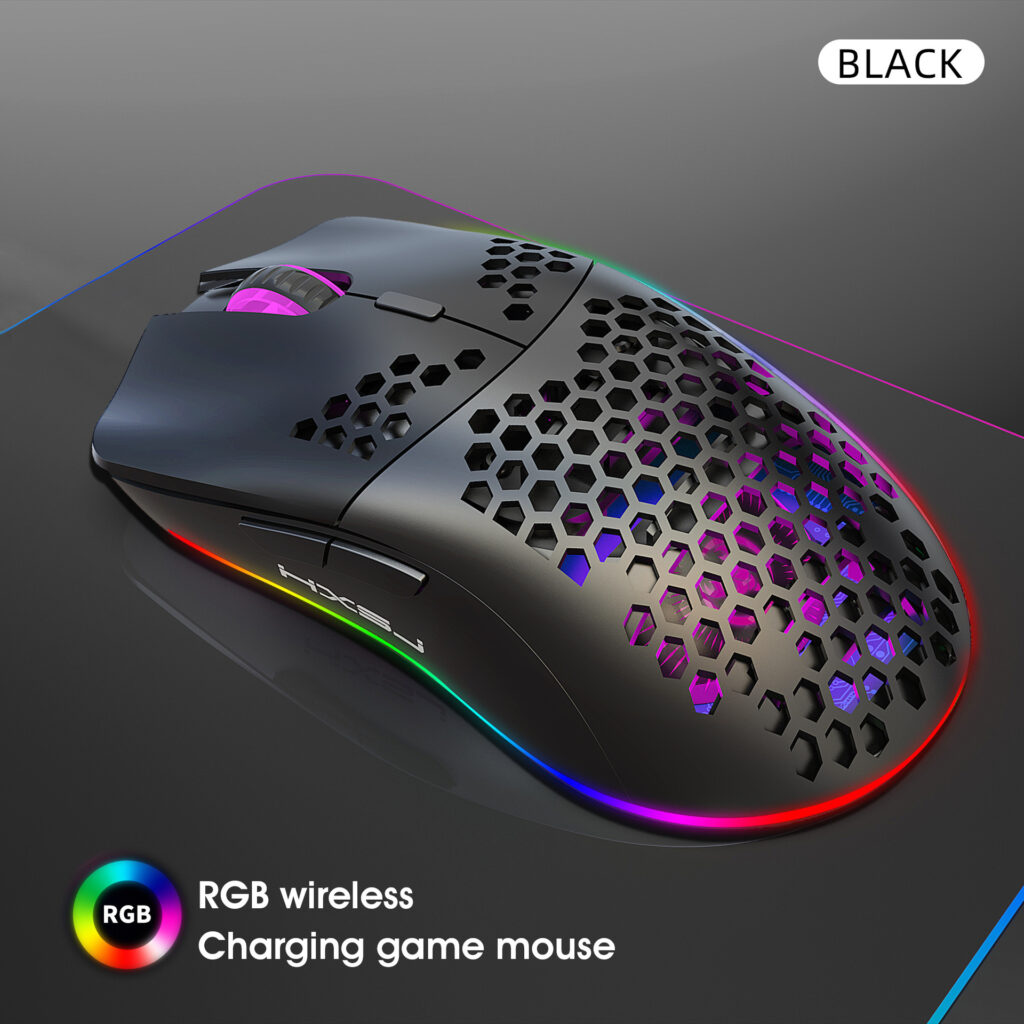
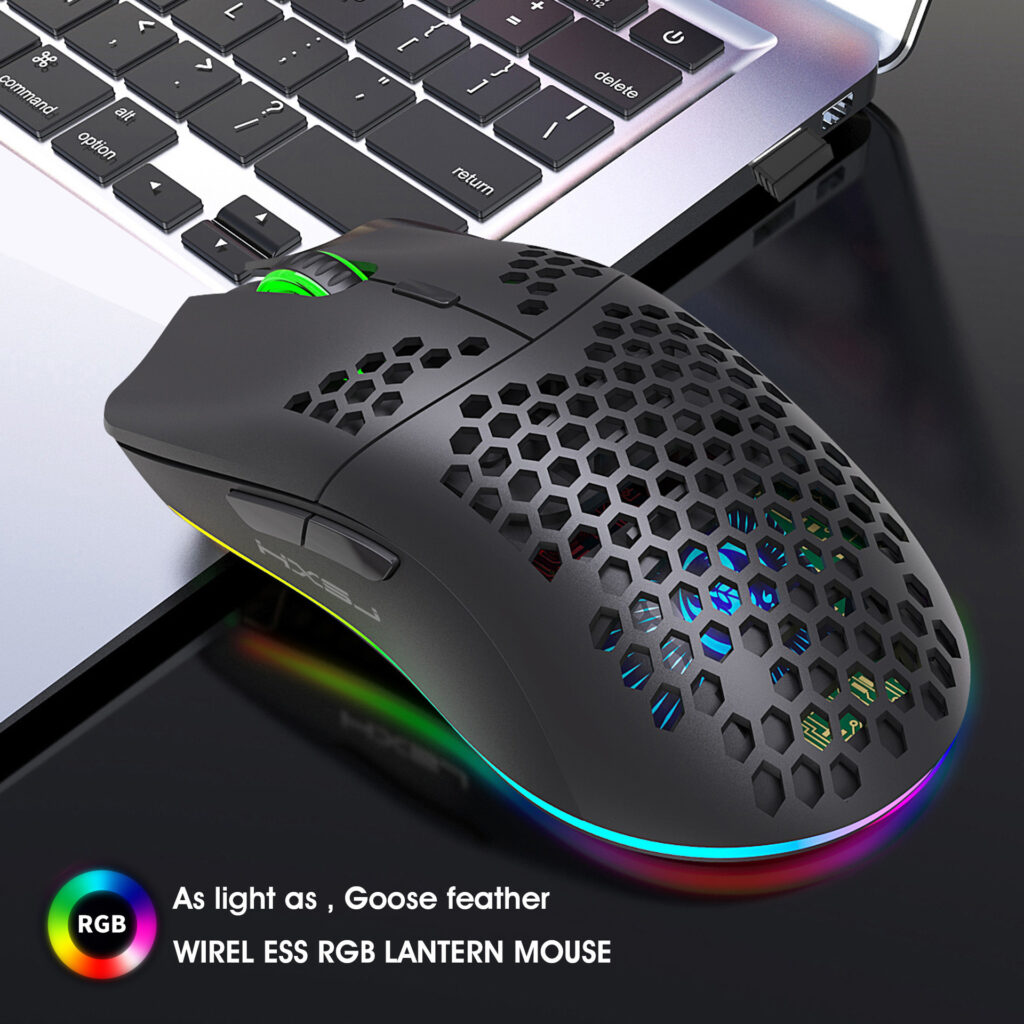
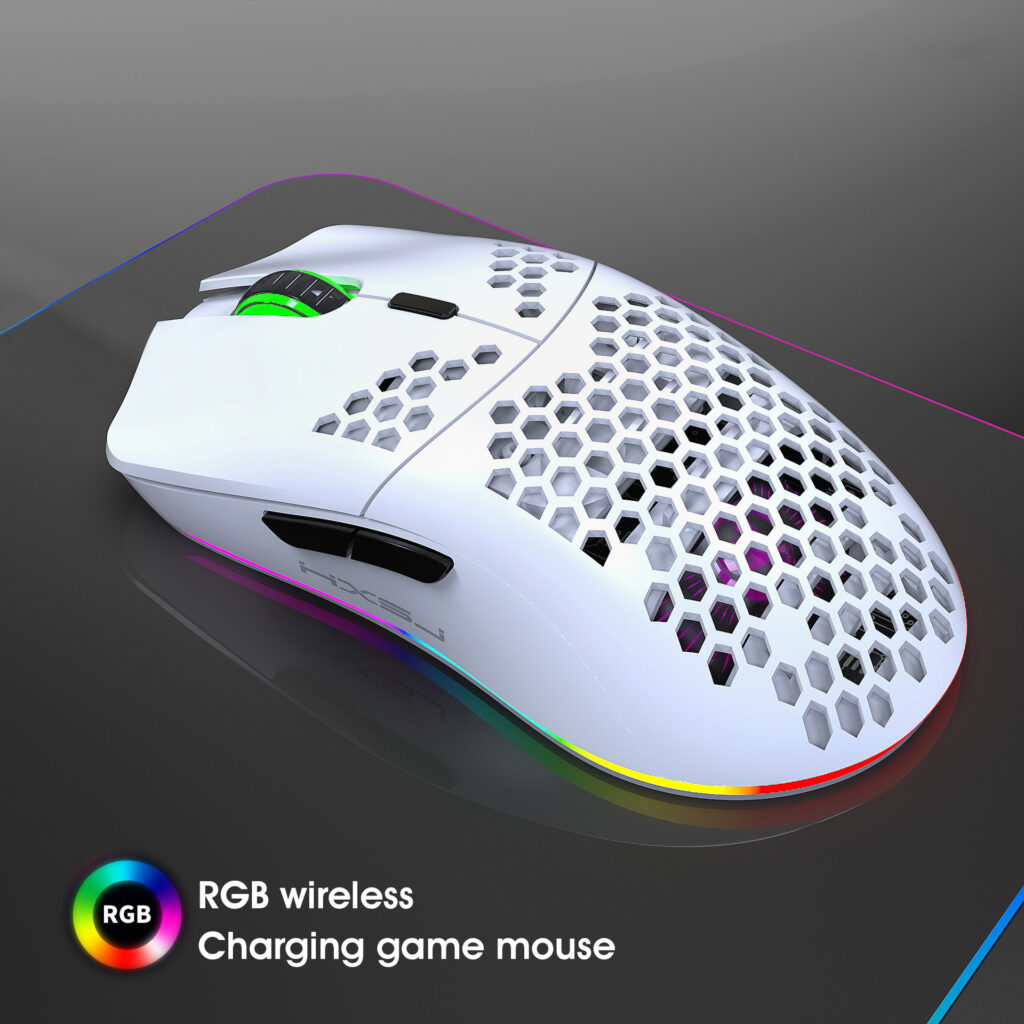
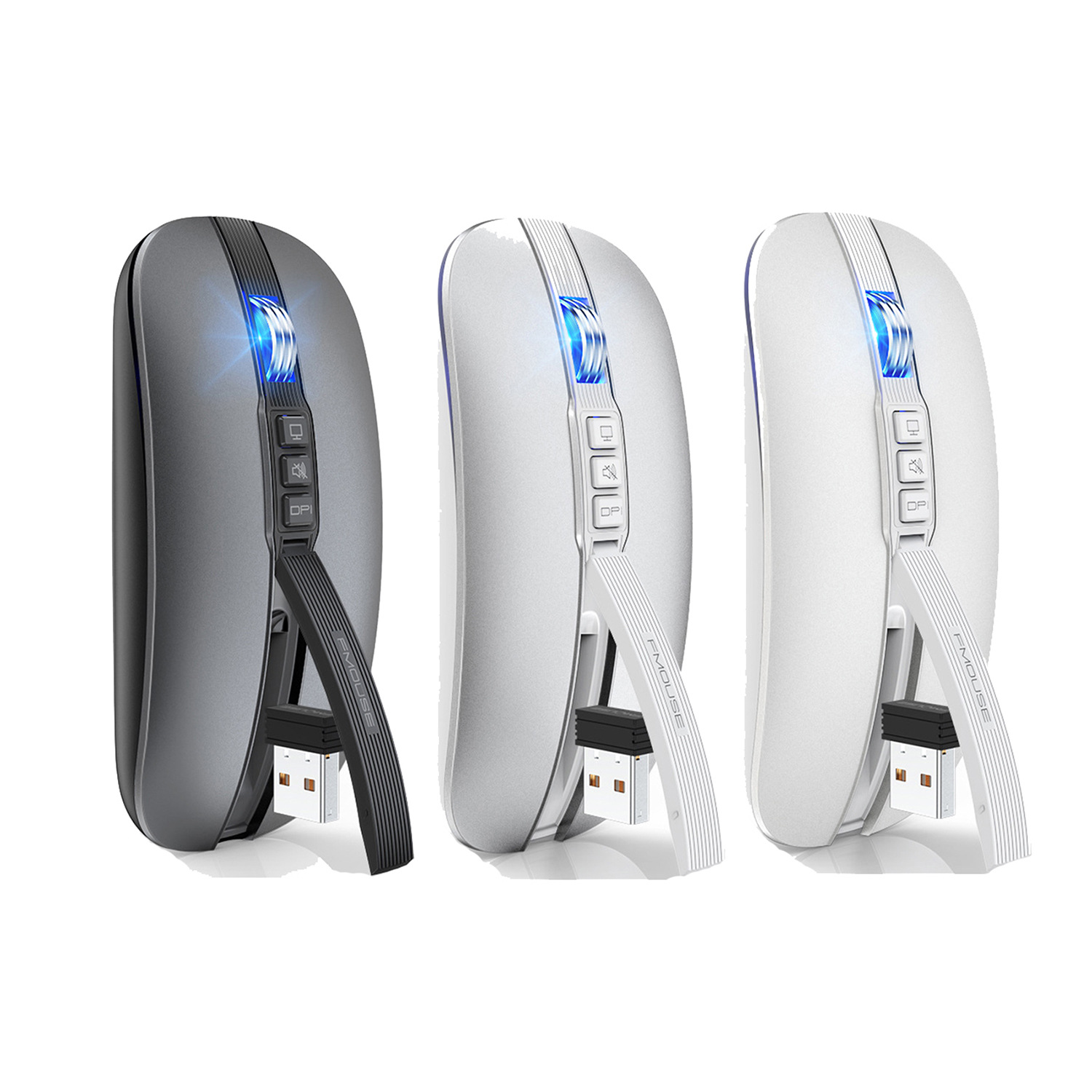
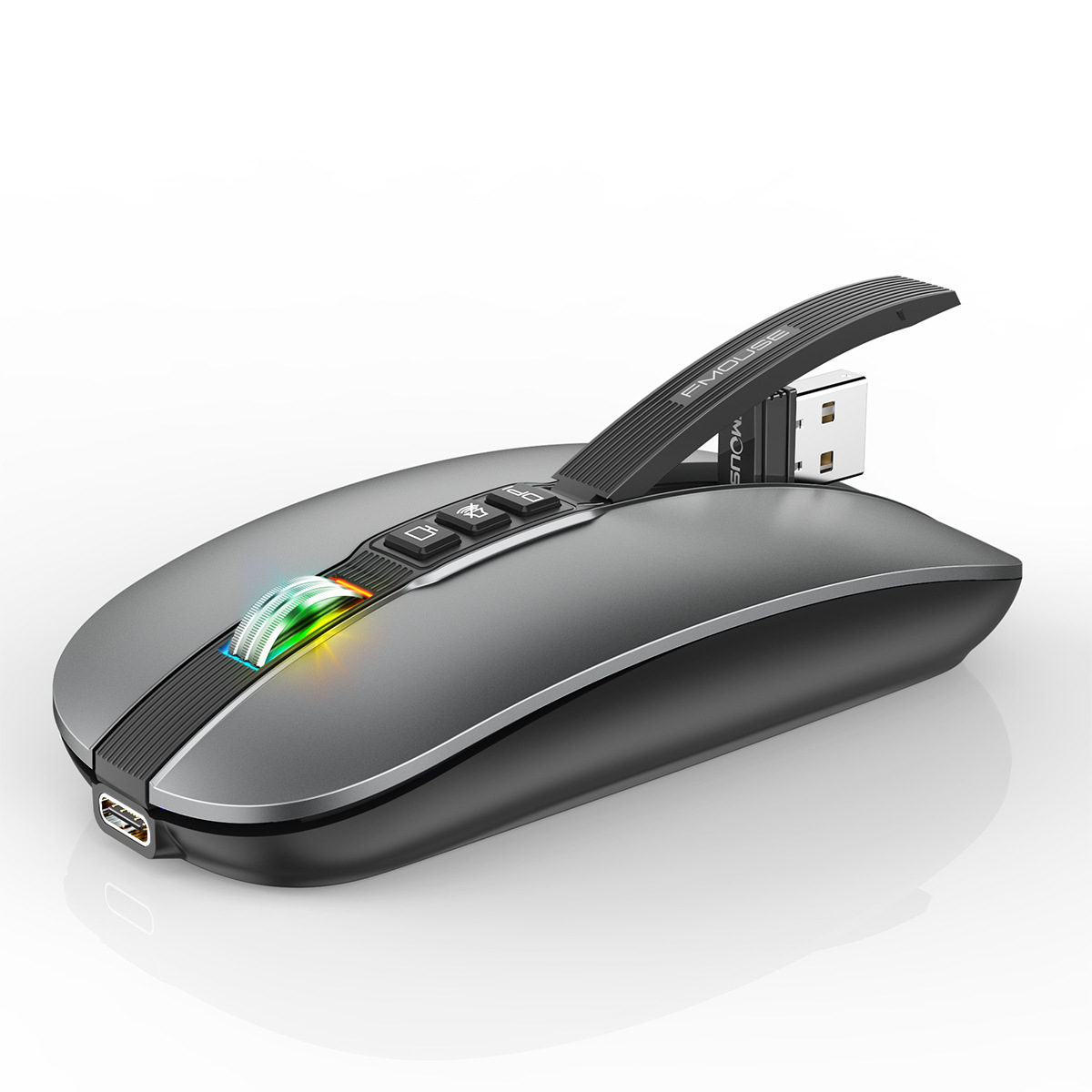
Upgrade your workspace with our sleek Type-C rechargeable mouse. Designed for convenience and efficiency, this wireless mouse eliminates the need for constant battery replacements. Simply charge it using the included USB-C cable—the same one you already use for your smartphone, laptop, or tablet. A full charge provides weeks of reliable use, so you can stay productive without interruptions.
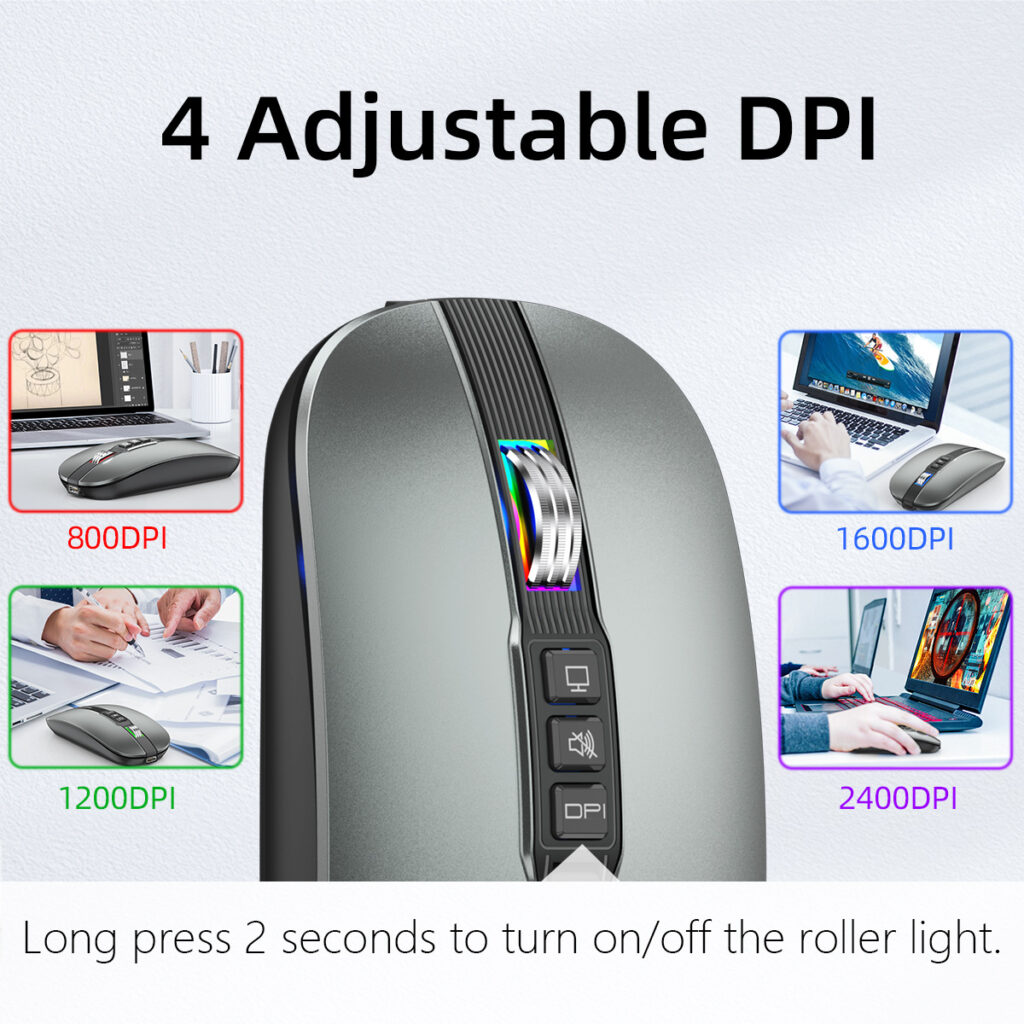
4 Adjustable DPI
Tailor the cursor sensitivity to your needs with 4 adjustable DPI levels. Whether you need fast movement for gaming, or large monitors or precise control for detailed design work and gaming play switching between DPI settings is effortless with a single button press.
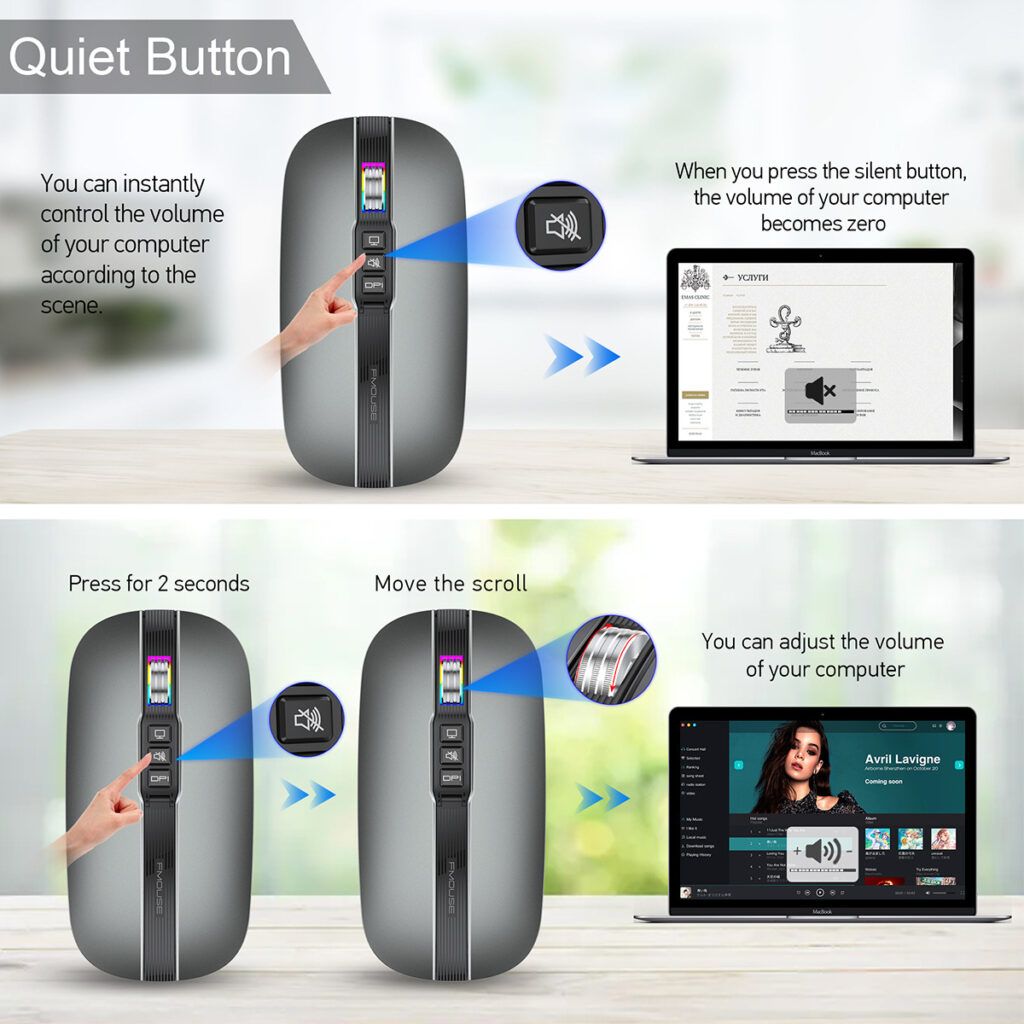
Quiet button design
Type-C Rechargeable Mouse
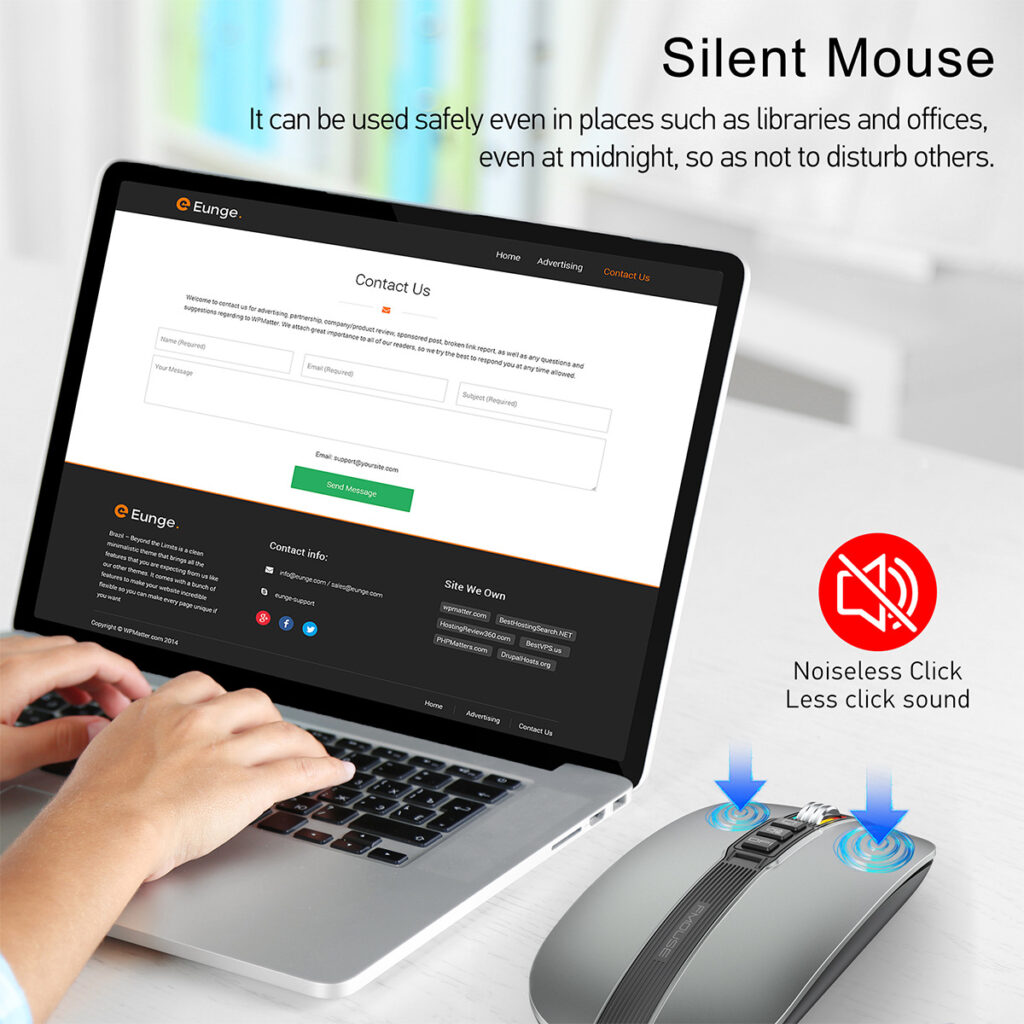
Wireless convenience meets quiet performance. Features 4 adjustable DPI levels for precise control, a Type-C rechargeable battery (no disposable batteries needed), and a quiet button design—ideal for offices, libraries, or late-night work. Simply plug, charge, and enjoy a smooth, distraction-free experience.
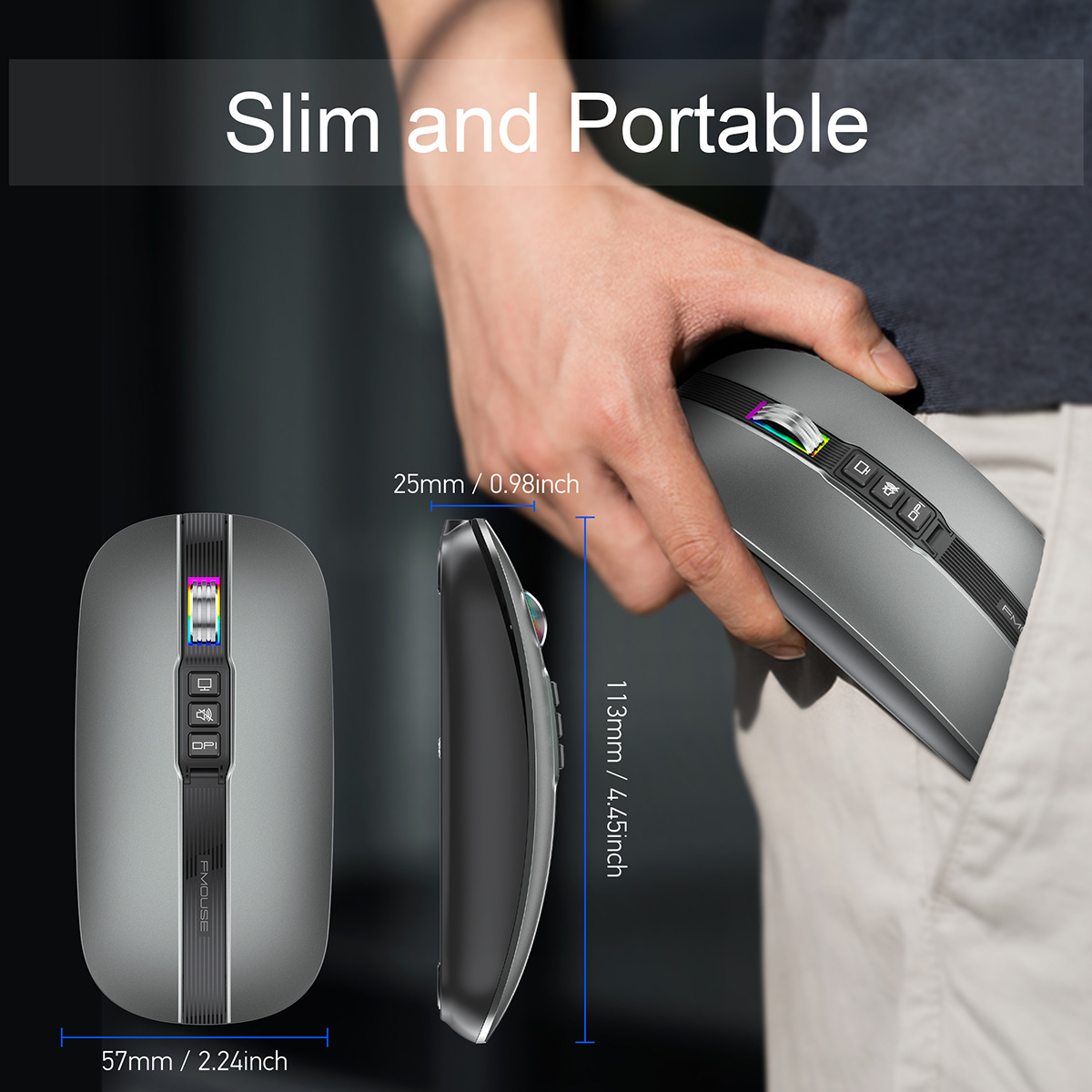
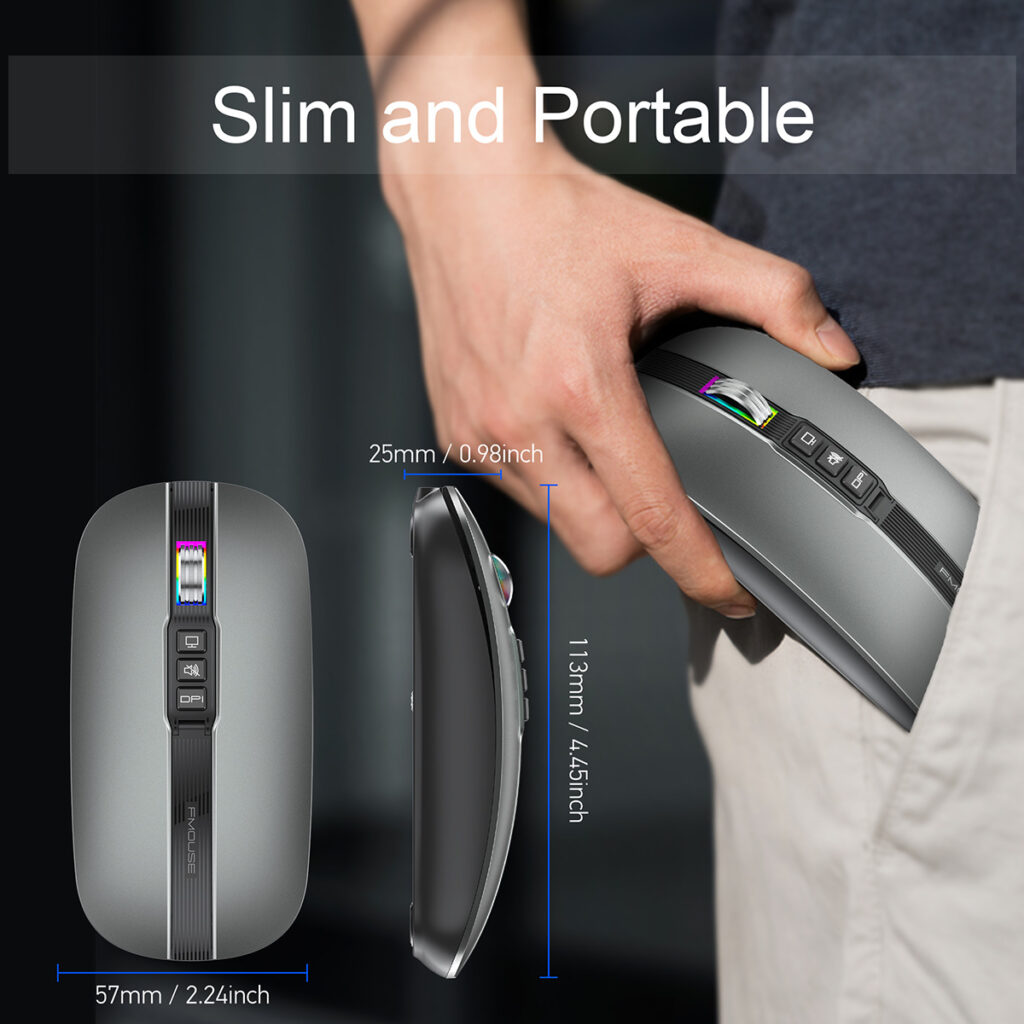
Slim and portable Mouse
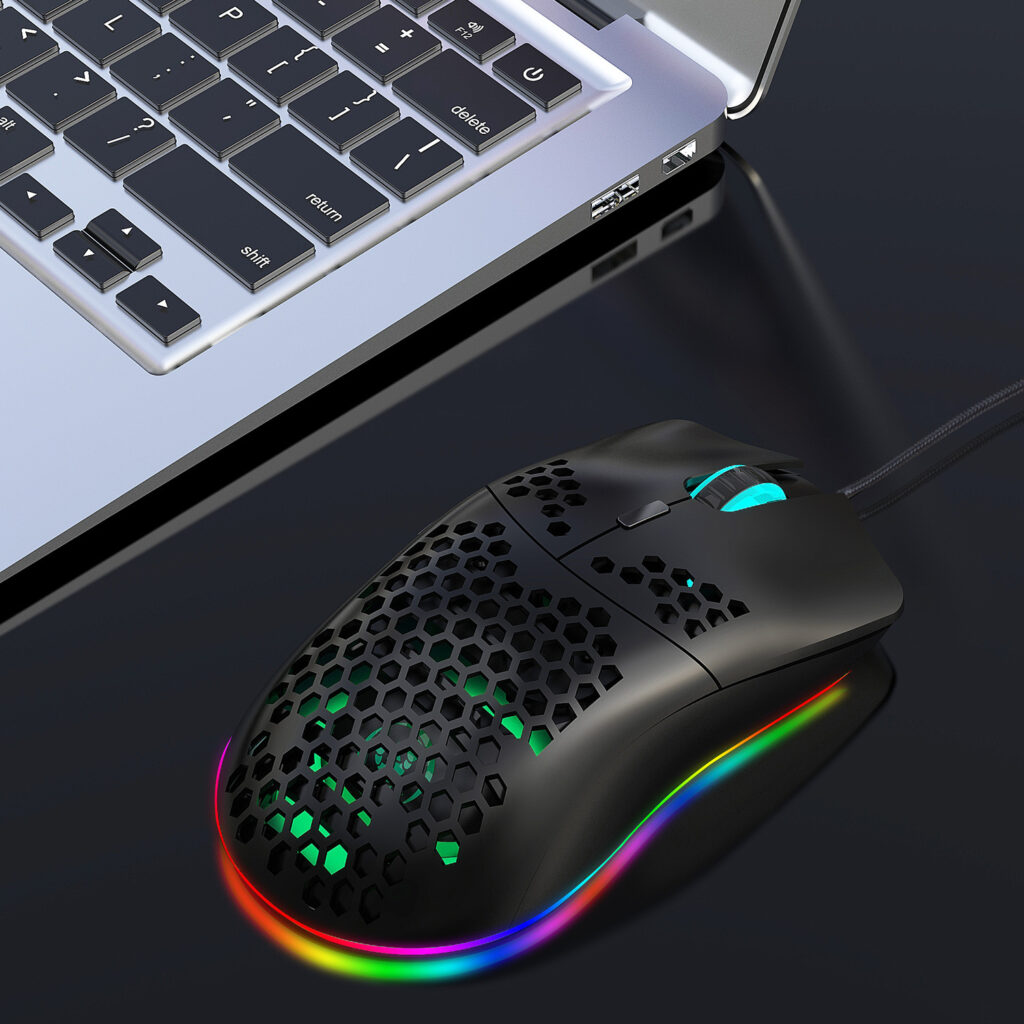
Slim and portable design meets quiet performance. Features 4 adjustable DPI levels for precise control, a Type-C rechargeable battery (no disposable batteries needed), and quiet button clicks—perfect for work, travel, or late-night use. Simply charge, connect, and enjoy a distraction-free experience anywhere.
Detailed product specifications
Specification
Suitable system:
The 2.4G USB version support Windows /Mac ,
The Bluetooth version support Windows /Mac /iOS / android.
Notes on charging mode:
It is recommended to use the computer USB interface to charge the mouse. The red light at the wheel is always on when charging, and the red light is off when fully charged, about 1-2 hours.
Instructions:
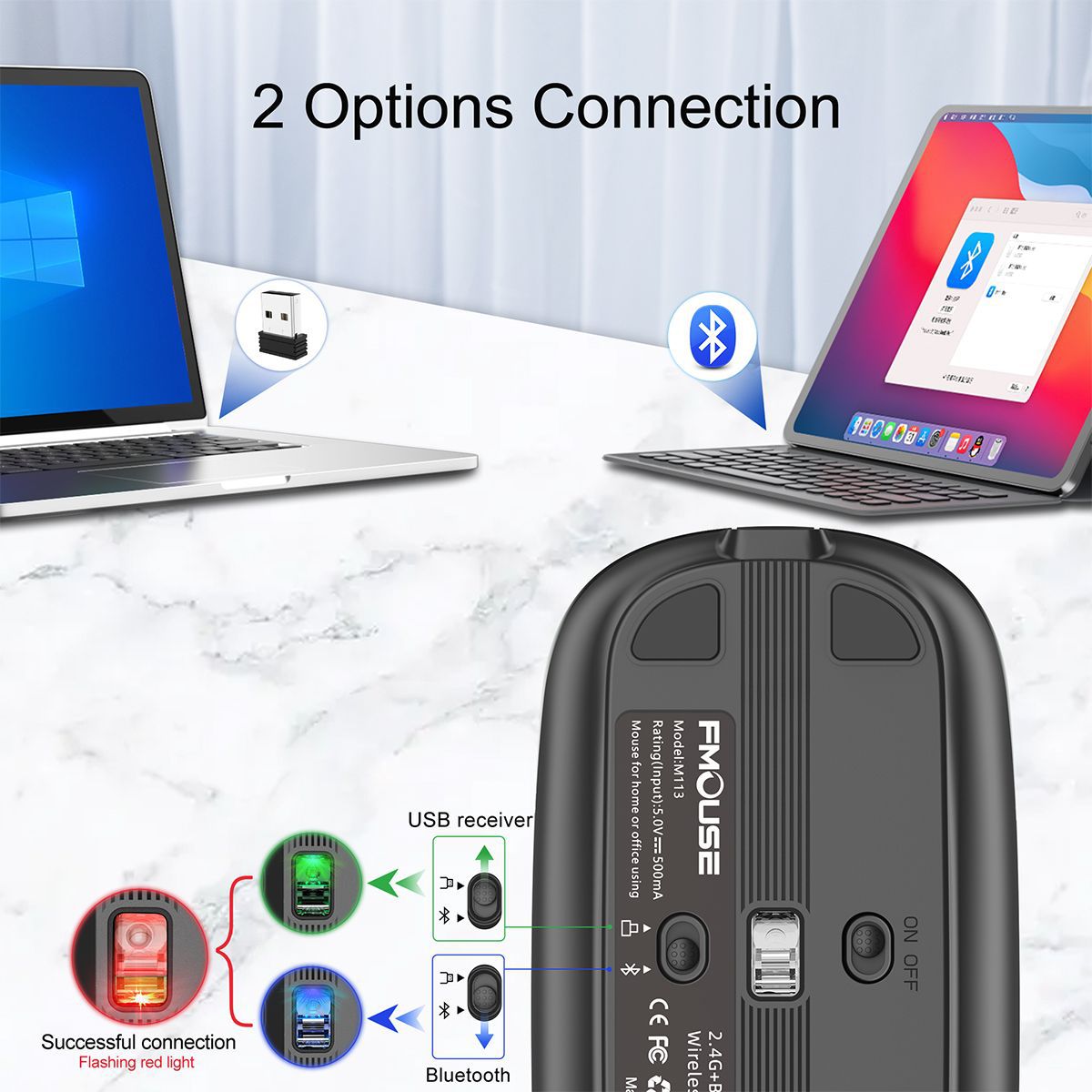
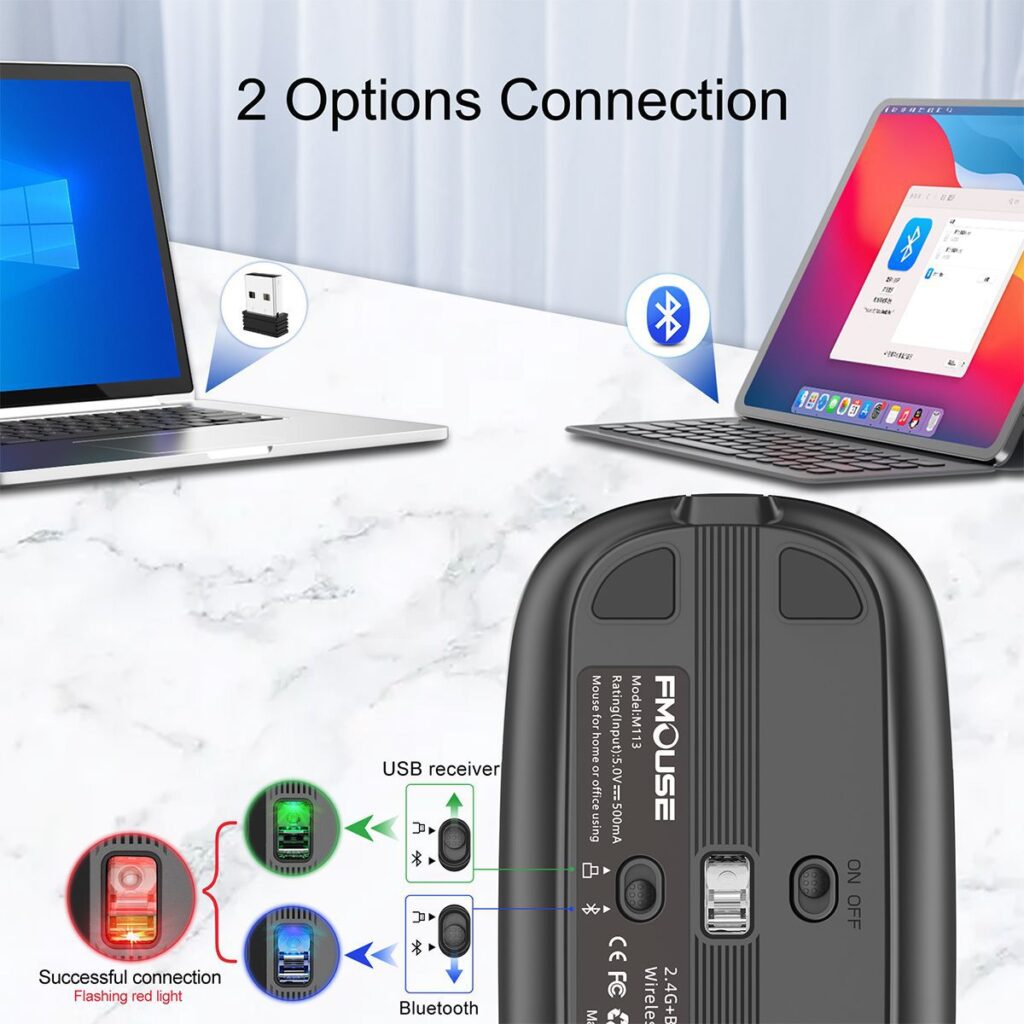
USB connection:
Step 1: Insert the receiver into the USB port of the computer
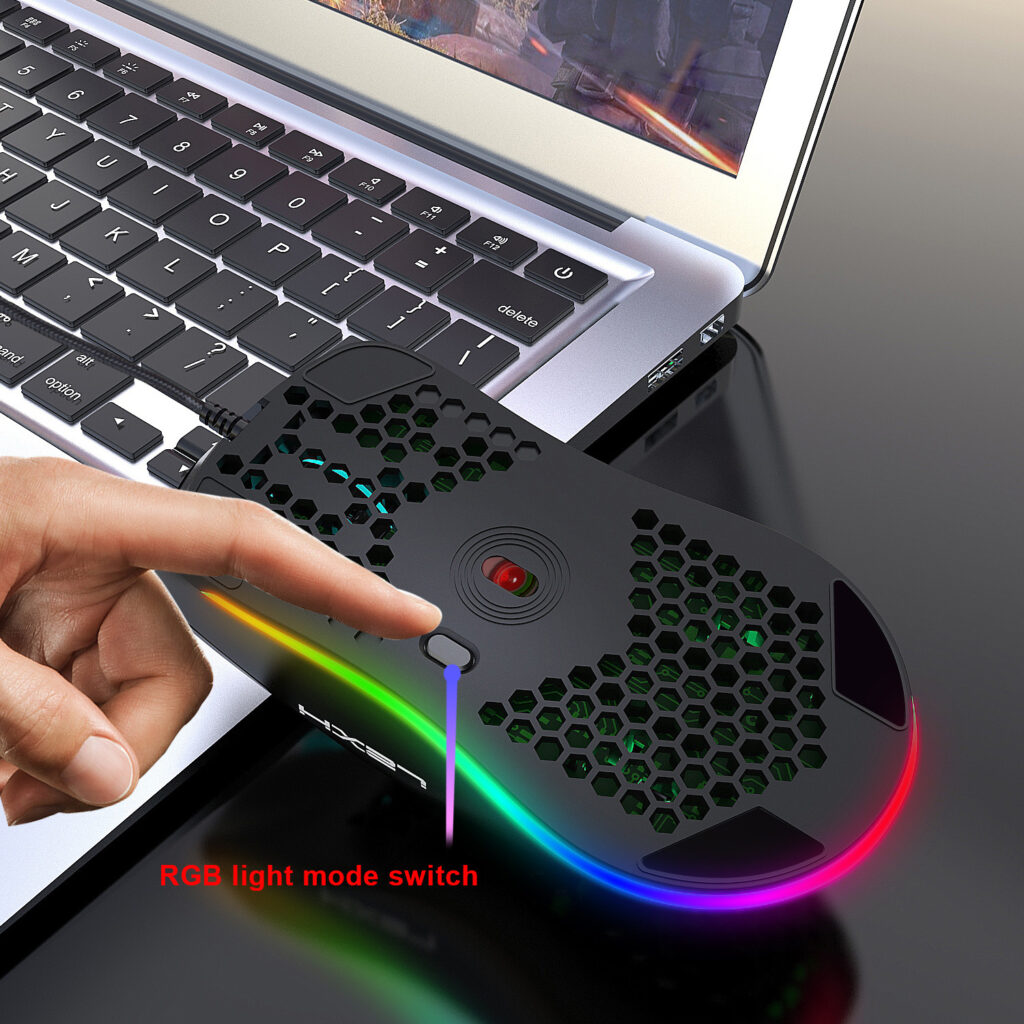
Step 2: Push the power switch at the bottom of the mouse to 2.4G mode, and the power indicator at the bottom of the mouse changes Green and flashing
Step 3: Move the mouse or press the left and right buttons to use it normall
Bluetooth connection:
Step 1: Turn the power switch at the bottom of the mouse to the Bluetooth mode, and the indicator will turn blue and flash
Step 2: Open the tablet/computer/mobile phone, click the “Bluetooth” interface in the setting menu,Connect the paired mouse (BT5.1 Mouse)
Step 3: Move the mouse or press the left and right buttons to use it normally.
Packaging Information
Package
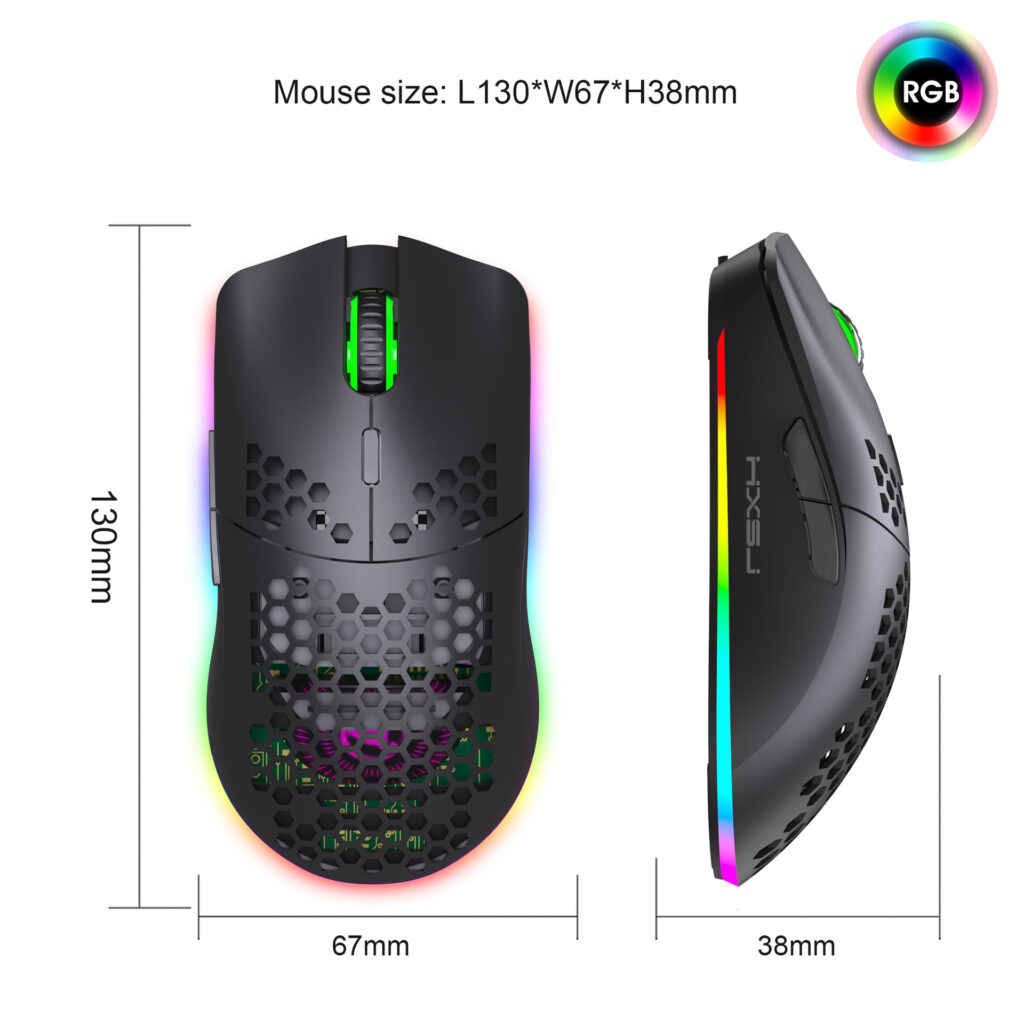
Product size: 11.3×5.7×2.5cm
Product weight: 68g
Package size: 11.6×7.7×3.1cm
Package weight: 116g
Package includes:
1 x Wireless Mouse(2.4G+BT5.1)
1 x USB Receiver
1 x Charging cable(80cm Type-c)
1 x Instructions in English